 MoviePro
Serious control, organized around the shot.
MoviePro gives solo operators and small teams three focused capture scenes: Auto for speed, Pro for precise manual control, and Dual Capture for two angles. Remote mode lets a second iPhone monitor and control the camera.
For interviews, teaching videos, field work, business video, performances, and small productions.

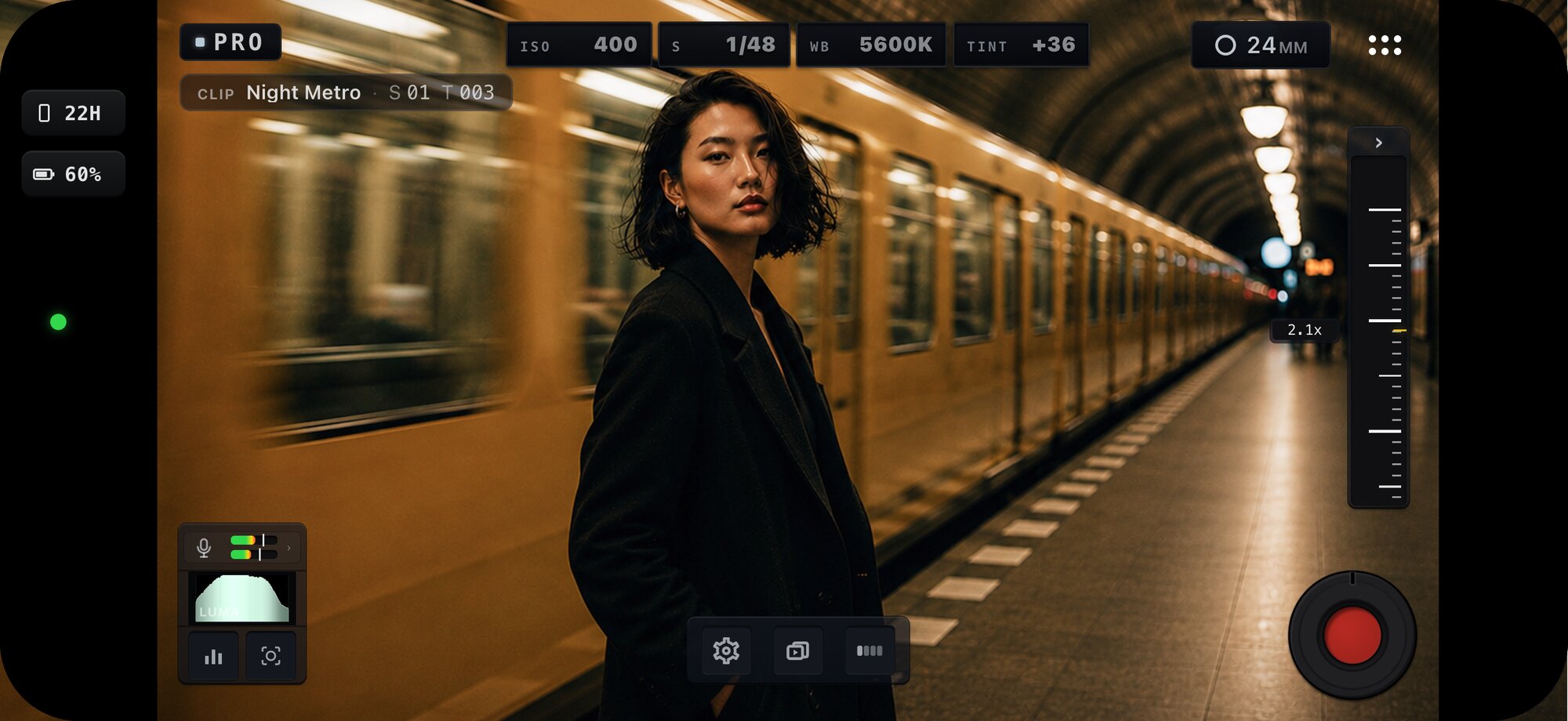
Pick the scene the shot needs.
Auto, Pro and Dual Capture share one recording engine, with each scene focused on a different way of shooting.
Shoot on one iPhone. Direct from another.
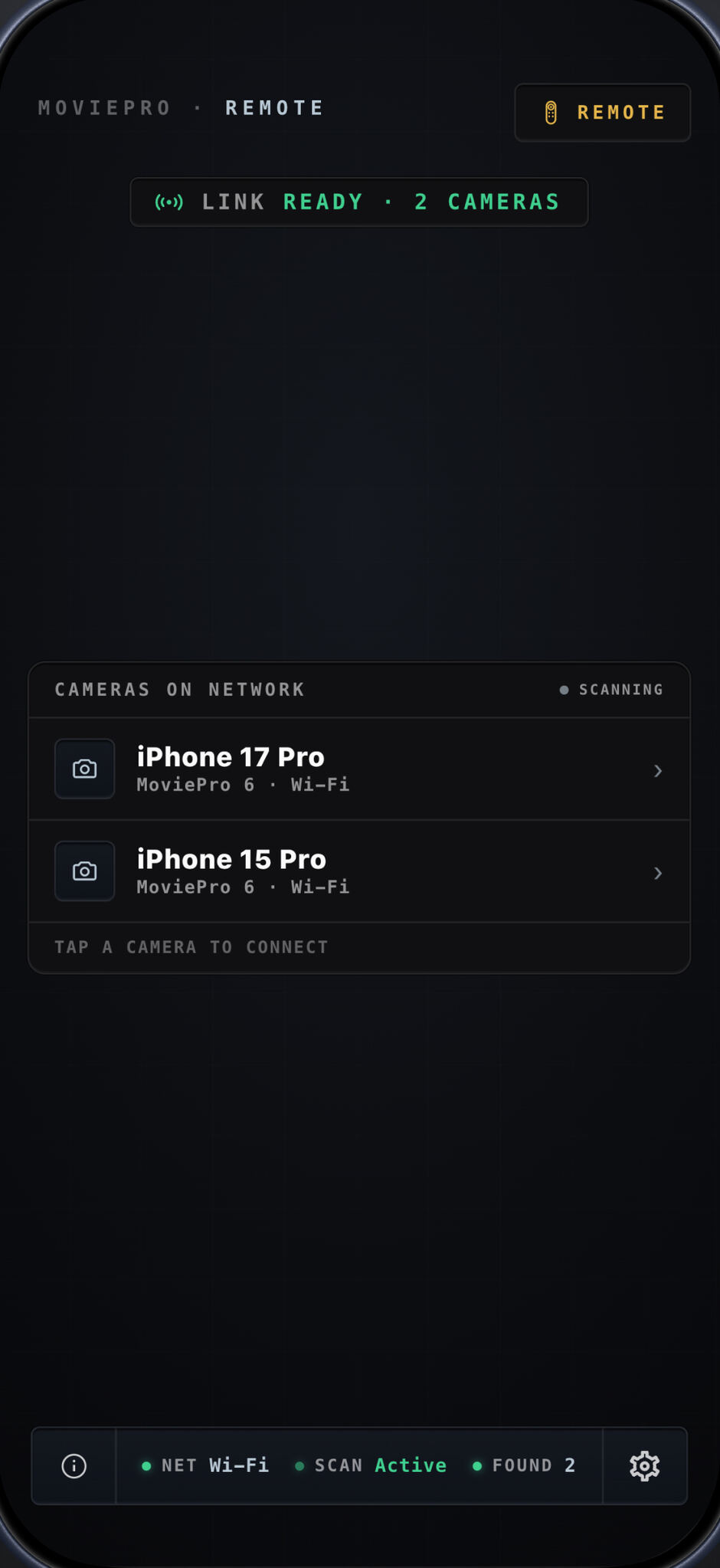
Remote is a separate operating mode: one iPhone records in Auto or Pro while you direct it from a second over shared Wi-Fi or a Personal Hotspot. Put the camera where the shot needs it and run the take without walking back or adding a crew.
- Start, stop and pause recording; zoom, set focus and exposure, and switch lenses — with the camera's Pro controls adjustable from the remote.
- Mirror the camera's live view as you direct.
- Both iPhones on the same Wi-Fi network or a Personal Hotspot — no extra hardware.
- Or see the frame and start and stop the take from an Apple Watch paired to the camera iPhone.
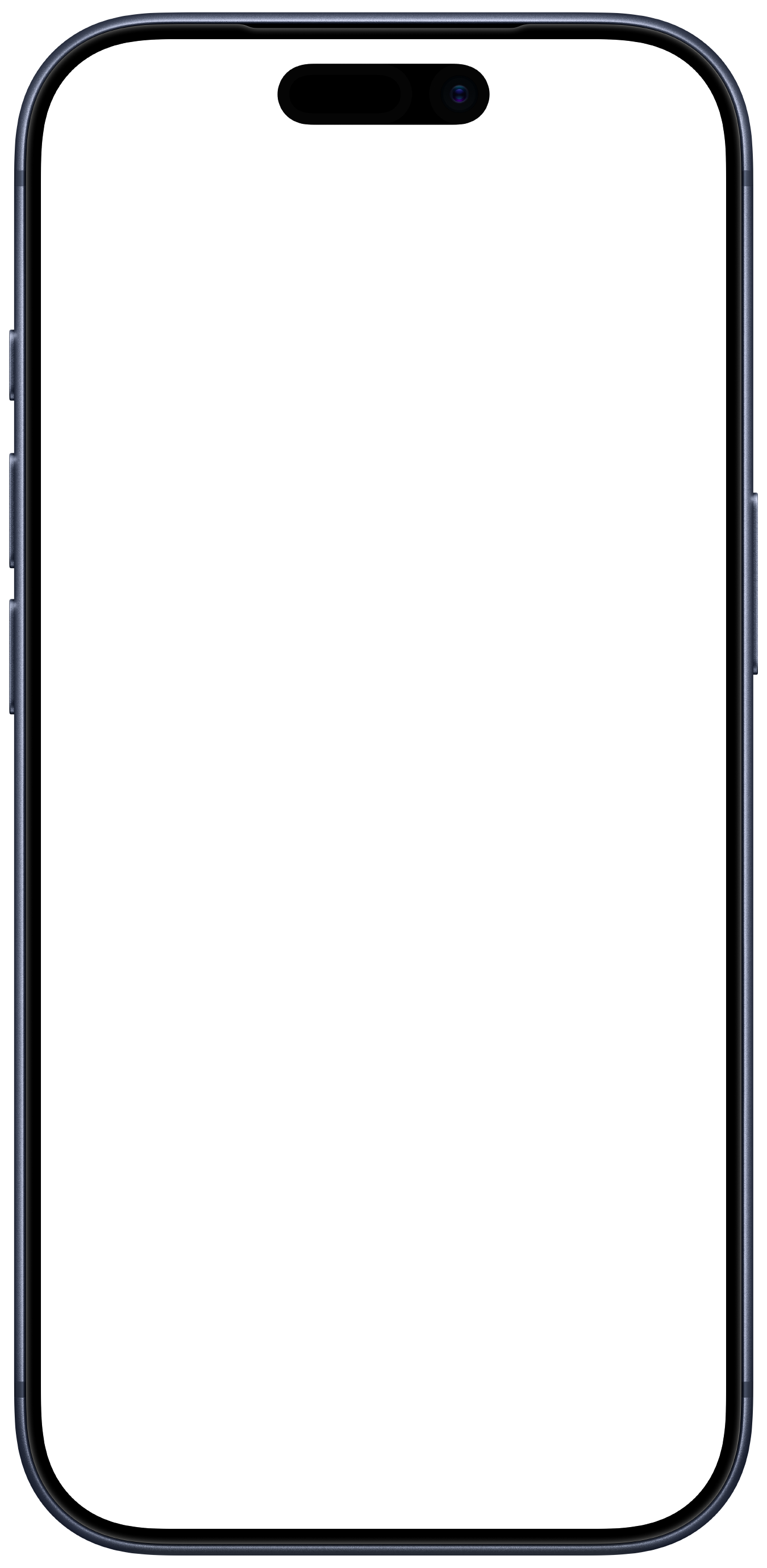
Manual control without mystery.
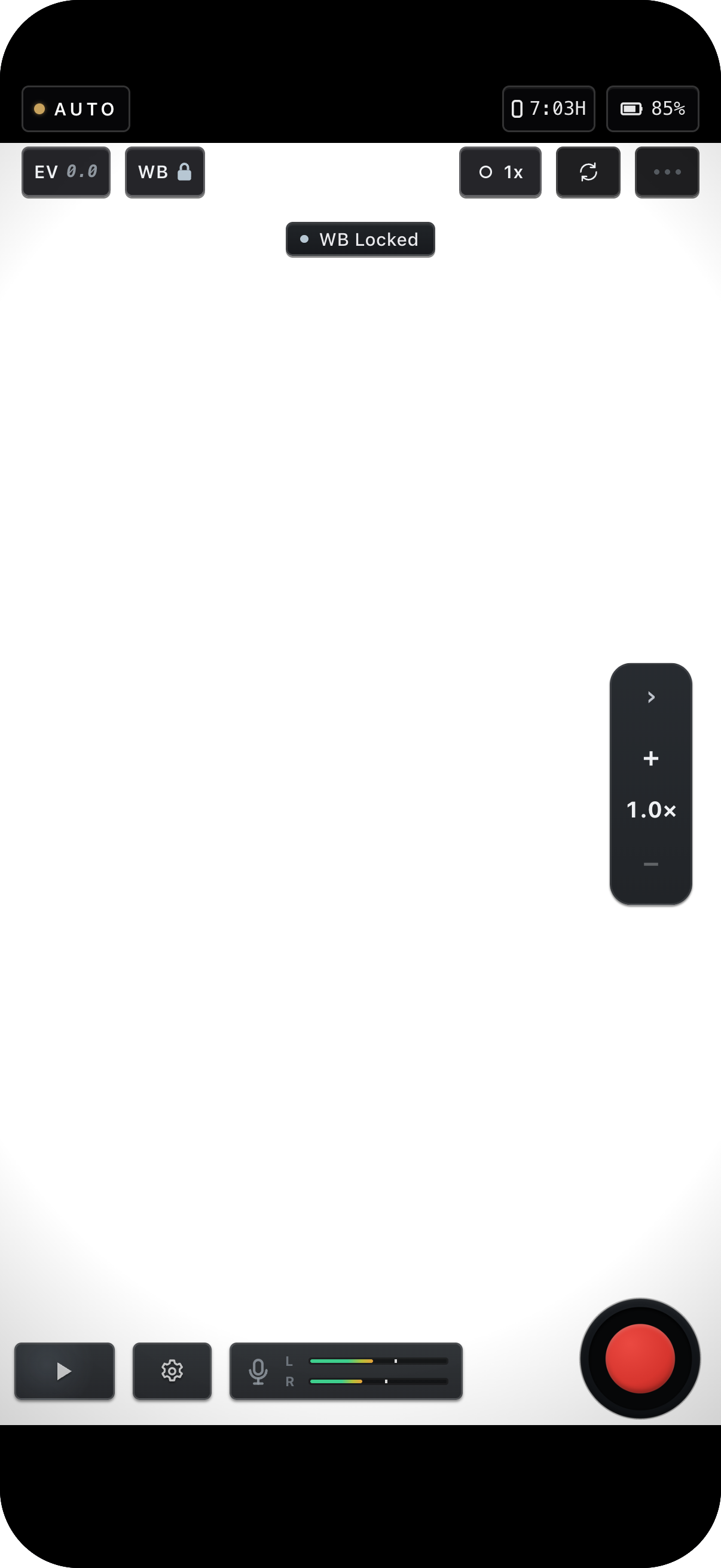
Set ISO, shutter, white balance, tint and focus directly — nothing changes unless you change it. Use Luma, Parade, Waveform, Vectorscope, zebra and focus peaking to judge the image while you shoot. The overlays guide you; they never burn into the recording.
Manual rails
ISO, shutter, white balance, tint and focus, with manual and auto lock states.
Focus tools
A/B focus pulls and focus peaking for setting focus by eye.
Scopes
Luma, Parade, Waveform and Vectorscope, plus zebra — overlays that never affect the recording.
ProRes & Log
On supported devices, record ProRes and Log for grading latitude, or standard codecs for lean files.
Presets
Start from a capture profile and adjust it to the shot.
Dual Capture
On supported devices, record two cameras at once — picture-in-picture, split screen, or a live cut into one file.
Simple to run. Professional to deliver.
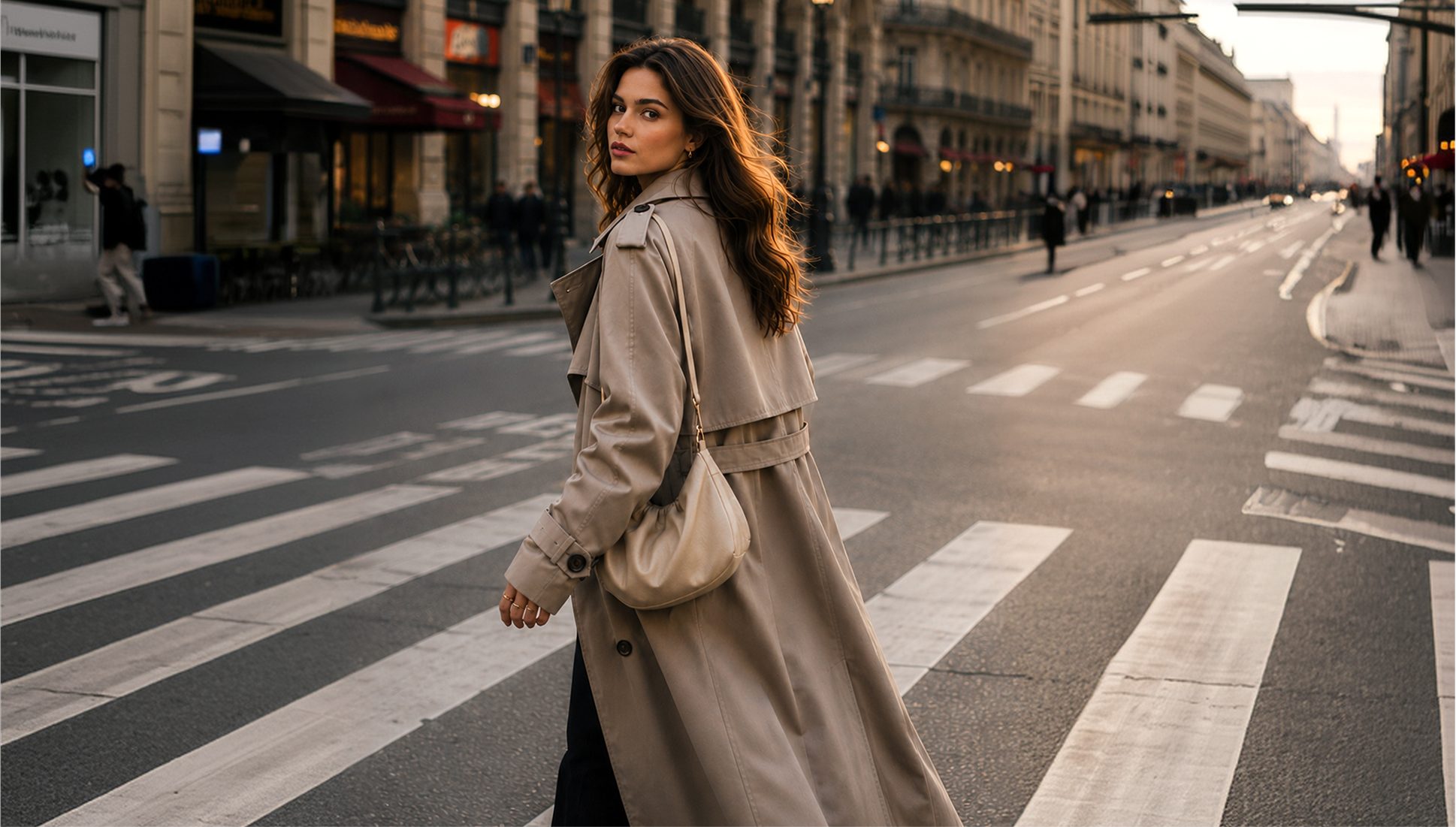
Auto handles the moment — exposure and focus — while the decisions that shape the file stay yours: a locked cinematic shutter angle, the microphone you can see and set the gain on, your codec, bitrate and audio format, and the stabilization tier you choose. Nothing is decided behind your back, and every take ends with a receipt. Jump to Pro in a tap when the shot needs hands-on control.
The stop button shouldn't be a question mark.
Every take ends with a Take Receipt: a brief summary that confirms the take and clears itself, or the full card with audio and exposure status plus clip details — your choice in Settings. Originals are preserved, and finished takes export to Photos.
Live meters
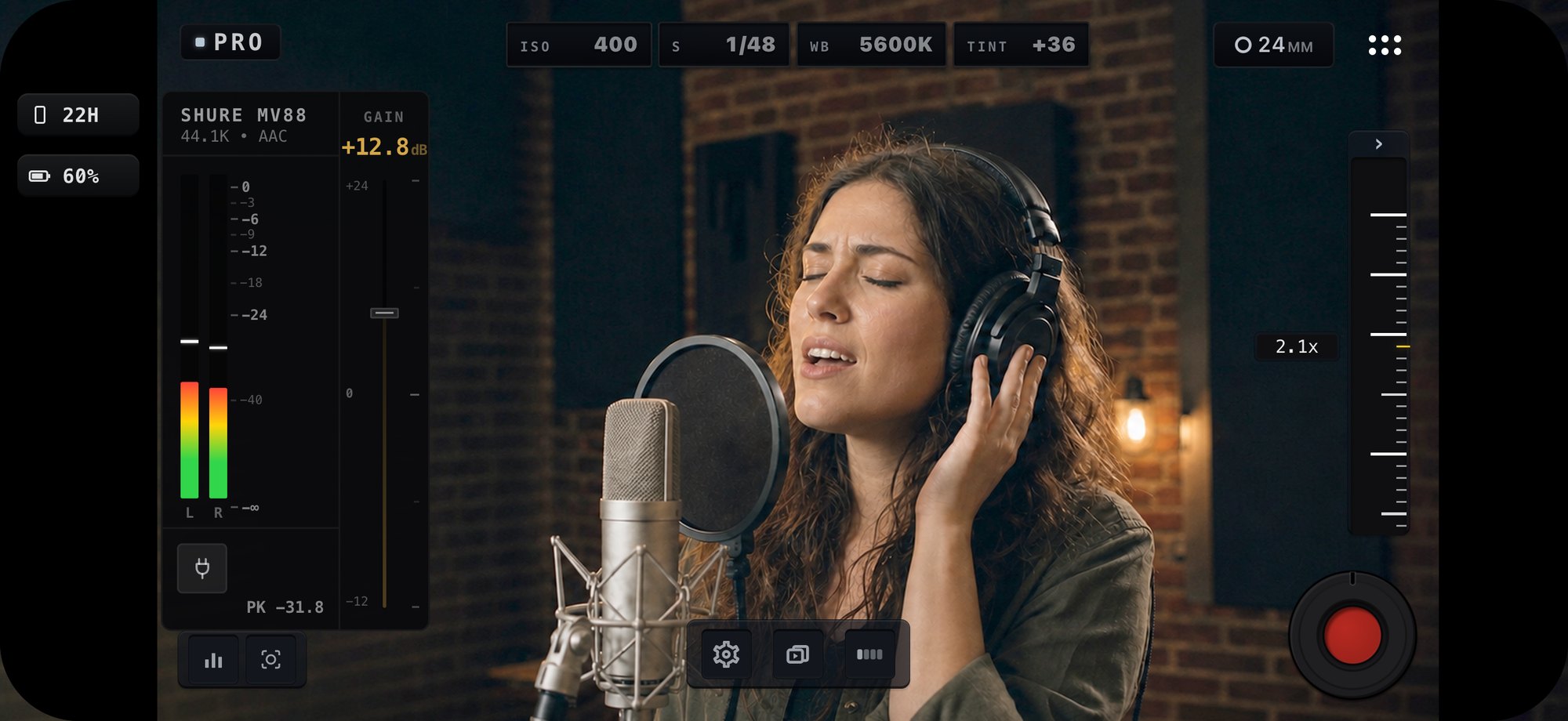
Watch your levels as you shoot.
External mics
Use USB and external mics, with input-level control and headphone monitoring where supported.
After recording
Choose a brief summary that clears itself, or the full card that stays until you dismiss it — preview, share, or retake straight from it.
On the App Store since 2012. Rebuilt for today.
The latest generation of MoviePro was rebuilt with a new capture engine, three focused capture scenes, Remote mode, and a redesigned Pro interface.
Try it, then unlock the pro tools.
Auto mode is free. Unlock the full pro toolkit with a one-time purchase — no recurring subscription.
- Auto mode, including recording
- Open and explore every mode
- Pro manual controls, scopes & presets
- Dual Capture on supported devices
- Remote two-iPhone control
- Try all the pro tools for 7 days
- Unlocks Pro, Dual Capture & Remote
One-time purchase. Bought MoviePro before? Tap Restore Purchases — previous paid owners can restore access with their Apple ID. More in the FAQ.
Shoot your next take with MoviePro.
Manual control, quick capture, and a two-iPhone workflow — built for one operator.