 MoviePro
Purpose-built scenes.
MoviePro is organized into focused scenes — each one tuned for a way of shooting. Pick the scene, then shoot.
One camera, several scenes.
Rather than one crowded panel, MoviePro splits into focused screens that share the same engine. Switching between scenes is quick, and your settings stay coherent across them.
Auto Scene
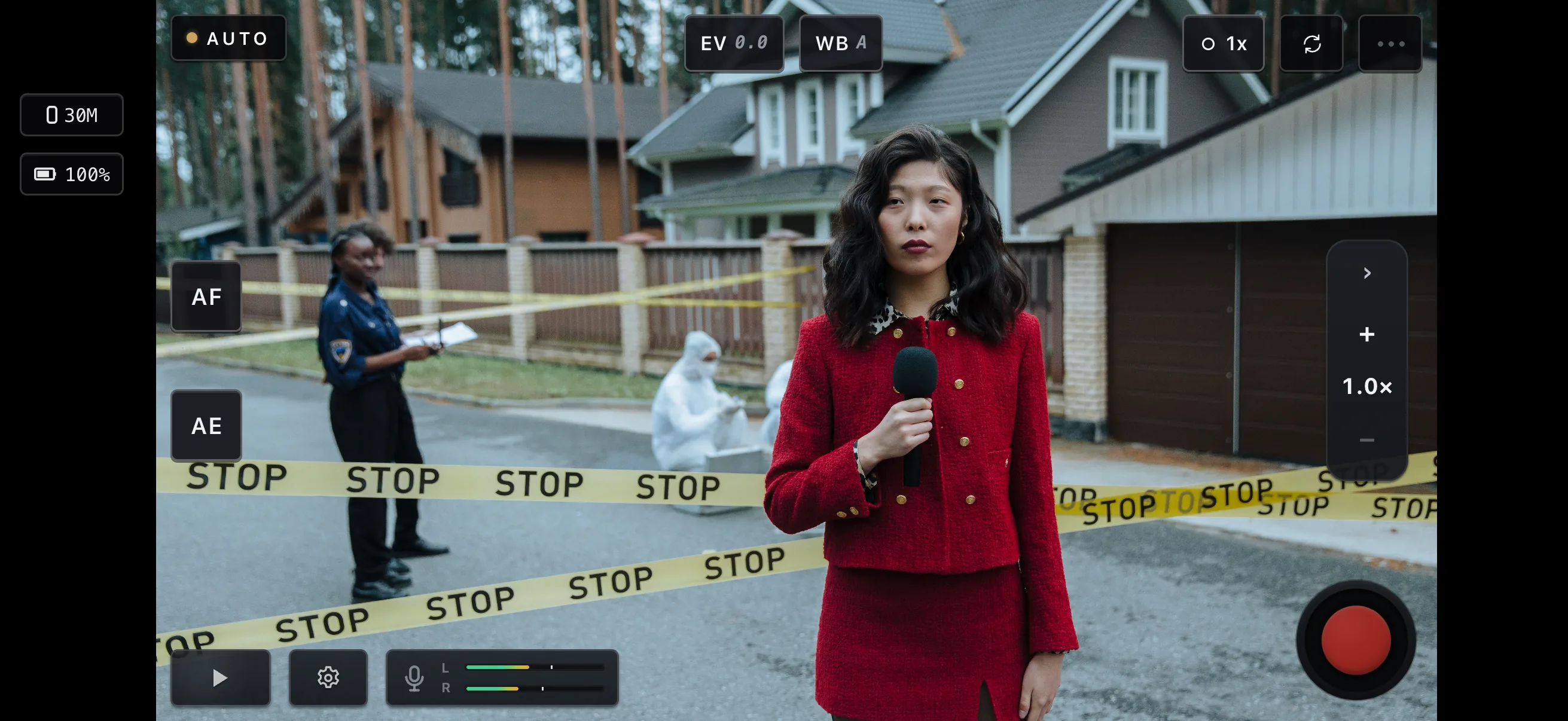
Auto runs exposure and focus so you can stay with the shot, and leaves the rest to you: lock a cinematic shutter angle, see which microphone is live and set its gain, choose the stabilization tier, and set codec, bitrate and audio format in Settings. Health chips track audio, exposure, and white balance, and a warning names the condition when something needs attention. When the shot needs direct control, jump to Pro in a tap.
Pro Scene
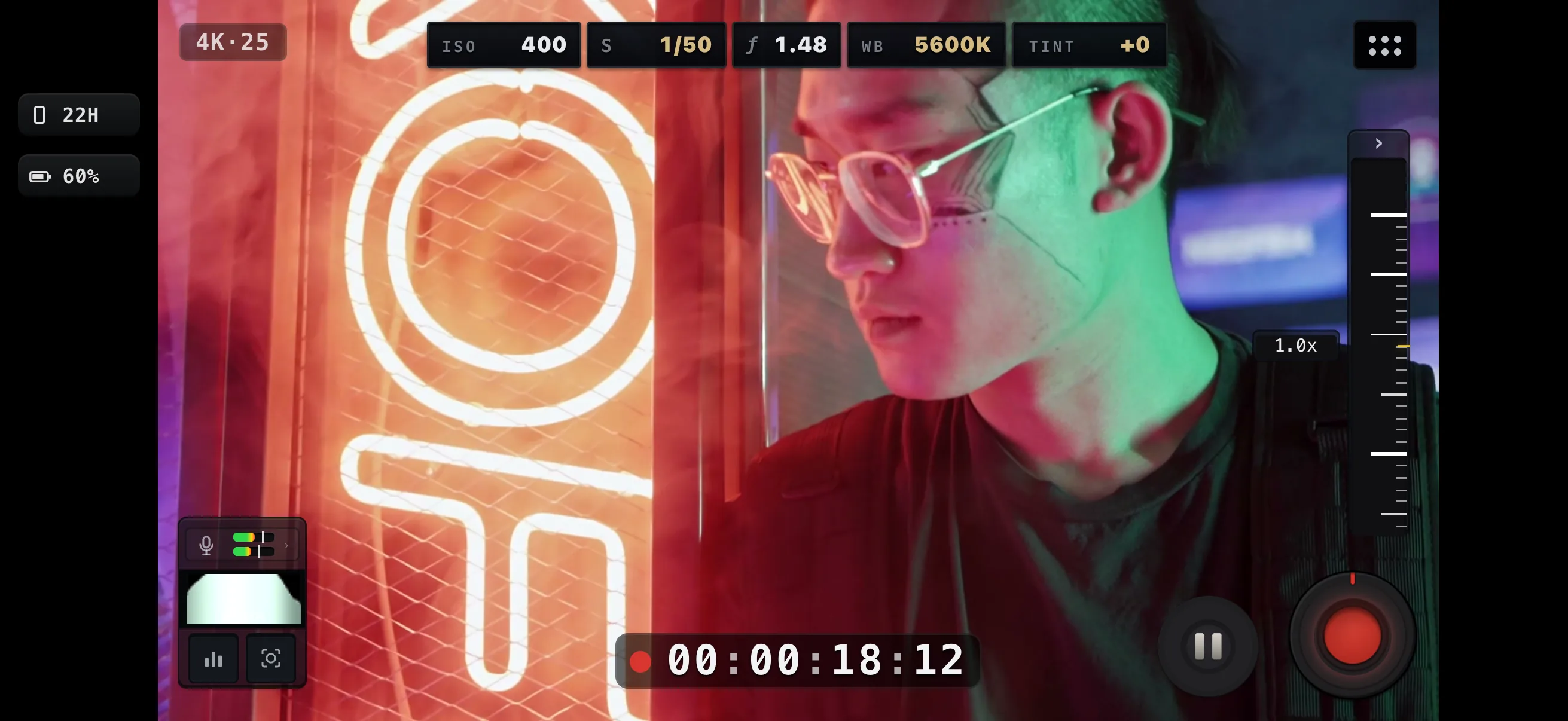
Manual ISO, shutter, white balance, tint and focus, with scopes and focus tools. Deterministic capture — nothing changes unless you change it.
- One rail at a time, one thumb — ISO, shutter, white balance, tint and focus, each with manual and auto lock states.
- Luma, Parade, Waveform and Vectorscope, plus zebra, focus peaking and A/B focus pulls — overlays that never affect the recording.
- Presets to start from, plus ProRes and Log capture on supported devices.
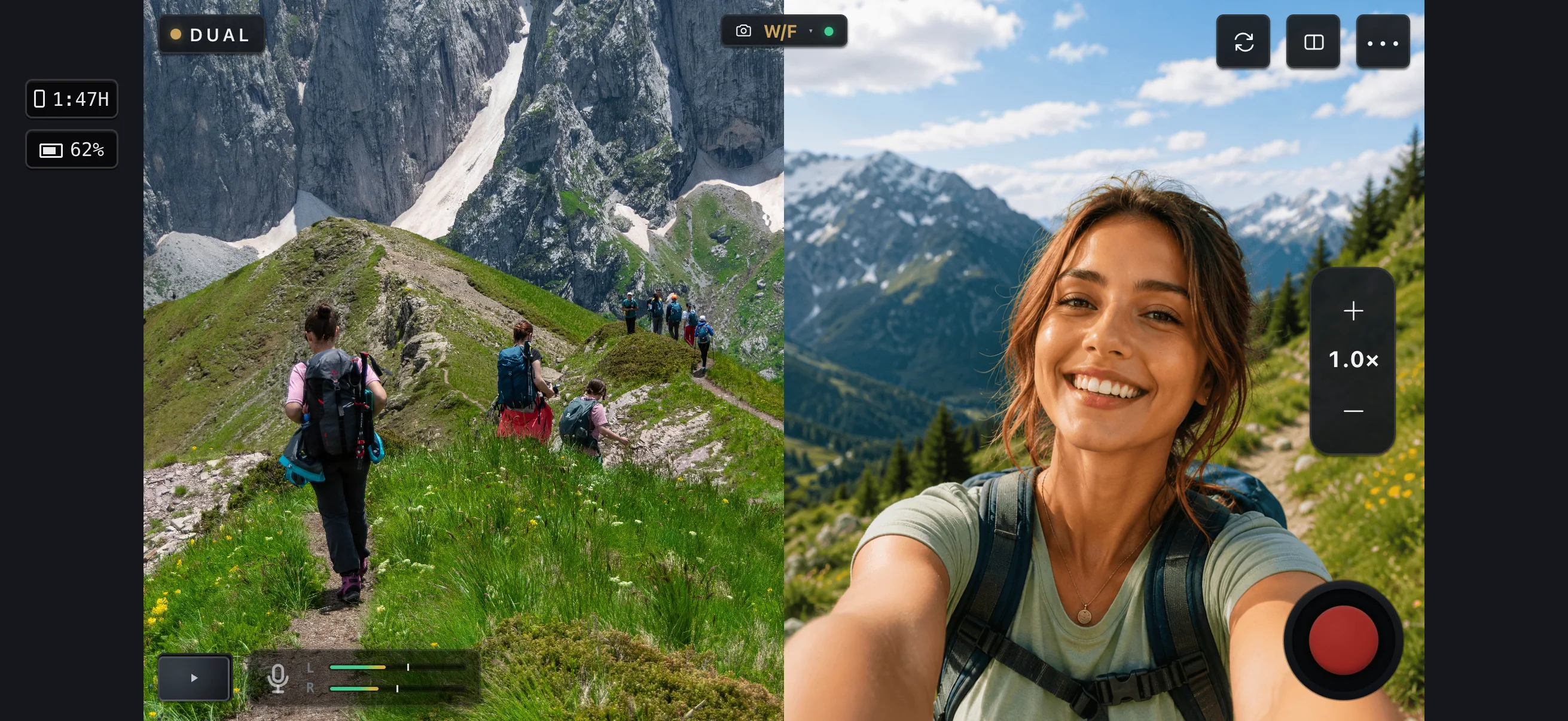
Dual Capture Scene
A duo camera in one app: on supported devices, record from two cameras at once — picture-in-picture, split screen, or a live cut into one file.
- Two cameras at once, run by a single operator.
- Manual controls bind to the primary camera, so you set exposure and focus on the camera that matters.
- Thermal-aware on long takes, and available on supported devices.
Learn more.
The Remote page covers running the camera from a second iPhone or an iPad; the Manual covers Pro Mode, Remote Control and Apple Watch step by step.