 MoviePro
Find a setting#
Tap the Settings gear in the tray at the bottom of the Pro screen. Settings is one scrolling list of eight sections; tap a row to open its options, and read the explanation at the foot of each options screen. Done closes Settings and Help opens the online FAQ. The camera pauses while Settings is open. Not all settings apply to Dual Capture mode.
| Section | Holds | Details |
|---|---|---|
| VIDEO FORMAT | Codec, color mode, resolution and aspect, frame rate, Long-Record Mode. | Video format settings |
| AUDIO | Microphone, Bluetooth Mic, audio format, sample rate. | Audio and camera settings |
| CAMERA | Stabilization Preview, shutter units, timecode, front-camera mirroring, HDMI, record duration. | Audio and camera settings |
| INTERFACE SETTINGS | Tap Action, orientation, dimmer, peaking, Take Receipt, HUD text size. | Interface settings |
| METADATA, STORAGE, LENS & RIG | Location and copyright; save destination and drives; zoom control, desqueeze, volume shutter, 35mm flip. | Metadata, storage and rig settings |
| APP | Purchases, resets, first-run setup, support and version. | App settings |
Video format settings#
| Row | Options | Effect |
|---|---|---|
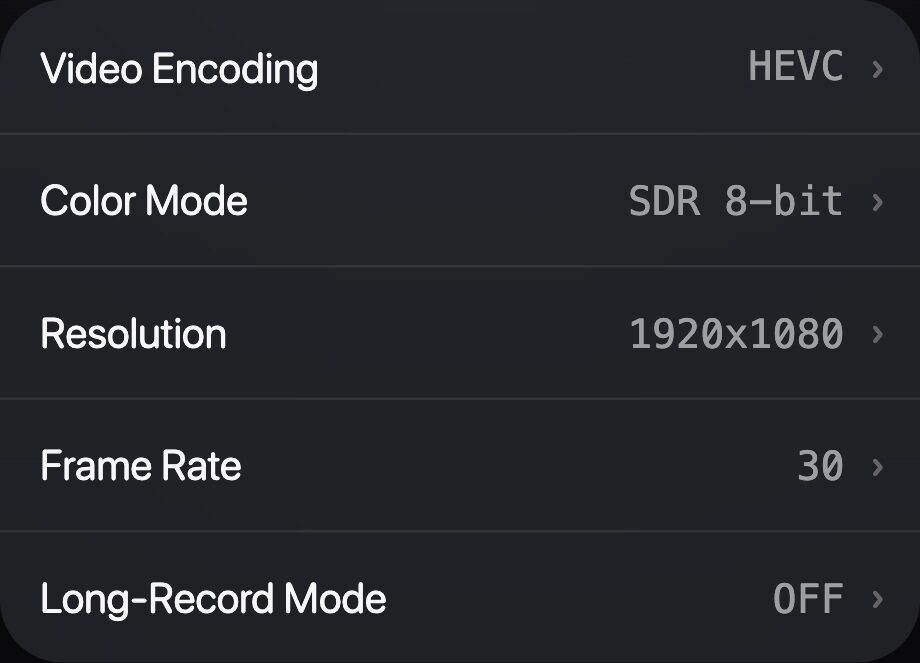
| Video Encoding | HEVC, H.264, ProRes (422, 422 HQ, 422 Proxy, 422 LT), ProRes RAW, ProRes RAW HQ; Video Quality for HEVC and H.264. | The codec, and what the rows below can offer. Codecs |
| Color Mode | Rec.709 8-bit or 10-bit, HDR, HLG HDR 8-bit, Apple Log, Apple Log 2; with Log, Log Look and Bake LUT in recording. | The recorded color. Color modes |
| Resolution | 4K, 1080p or 720p, sized for the aspect ratio; ProRes RAW uses fixed 4.2K sizes. | Frame size. Default 4K where supported. |
| Aspect Ratio | 16:9, 4:3, 2.40:1, 1:1. | Sets the frame shape for the resolution. |
| Aspect Mode | Framing guide, Crop. | Framing guide records the full frame with a guide on screen; Crop records the chosen aspect into the file. |
| Frame Rate | The standard rates this device supports at the chosen resolution. | Frame rates |
| Long-Record Mode | ON, OFF. | Records straight from the camera to run cooler for long takes: system data rate, AAC or LPCM audio, framing guide only, no timecode track, no 35mm Flip. Prepare for a long take |
Audio and camera settings#
AUDIO
| Row | Options and effect |
|---|---|
| Microphone | Auto (default), Bottom, Front (Top), Back, None. None records without audio. Some positions are mono only. |
| Bluetooth Mic | ON, OFF (default). Allows a Bluetooth input. |
| Audio Format | AAC (default), LPCM, IEEE Float (32-bit floating point; it cannot recover clipping at the microphone or input). Long-Record Mode and above 60 fps record AAC or LPCM: IEEE Float is written as LPCM. |
| Sample Rate | Auto, 44.1, 48 kHz (default); 96 and 192 kHz with LPCM or IEEE Float. Long-Record Mode and above 60 fps record at the source rate. |
CAMERA
| Row | Options and effect |
|---|---|
| Stabilization Preview | Prefer Unstabilized (default) or Prefer Stabilized. Changes the preview only; recordings are unchanged. Stabilization: recording and preview |
| Shutter Units | Speed (default, e.g. 1/50) or Angle (180° = half the frame interval). |
| Timecode | Time of Day (default) or Record Run. Not written in Long-Record Mode, above 60 fps or with ProRes RAW. Timecode, copyright and location |
| Mirror Front Cam | ON, OFF (default). Front camera only. |
| Clean HDMI Feed | ON, OFF (default). Sends the picture without controls to an external display. Clean HDMI output |
| Record Duration | Unlimited (default), 1 min, 30, 15, 10 or 5 sec. Stops the take at that length. |
Interface settings#
| Row | Options and effect |
|---|---|
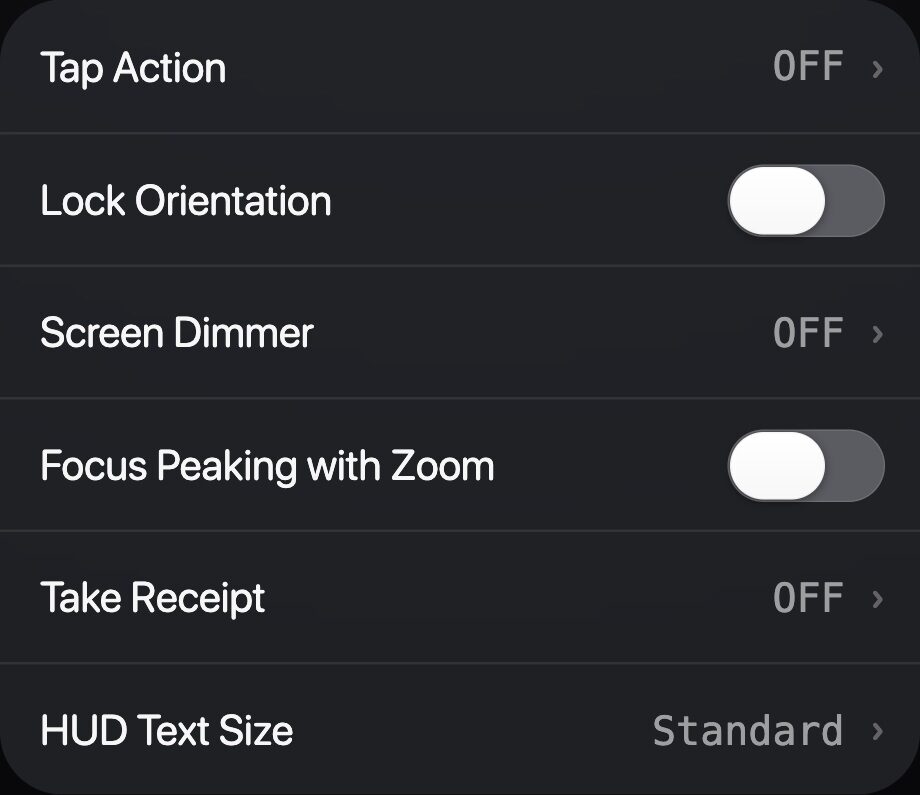
| Tap Action | OFF (default): tap to focus. ON: a tap hides the controls. ON (Except Reticles): currently the same as ON. |
| Lock Orientation | ON, OFF (default). Freezes the interface in its current orientation. |
| Screen Dimmer | OFF (default), Low, Medium, High, Black. Display only; recordings are not dimmed. |
| Focus Peaking with Zoom | ON, OFF (default). Shows peaking while you zoom. |
| Take Receipt | OFF (default): a brief summary after each take. ON: the full receipt every time. Read the Take Receipt |
| HUD Text Size | Standard (default) or Large: larger labels and indicators. |
Tap to hide the interface
With Tap Action ON, a tap on the picture hides every control: telemetry, rails, the Assist Line, the storage and battery indicators, the timer and the Record button. The picture and the focus reticle stay. A tap anywhere brings the controls back. Hiding works during a take, but the Record button hides too, so bring the controls back before stopping. Tap-to-focus is unavailable while Tap Action is ON. This applies on iPhone; the iPad layout keeps its controls.
Metadata, storage and rig settings#
METADATA
| Row | Options and effect |
|---|---|
| Location Tagging | ON, OFF. Adds location to clips when iOS location access is granted. |
| Copyright | Text added to clip metadata. |
LENS & RIG
| Row | Options and effect |
|---|---|
| Zoom UI | The zoom control: +/− Buttons or Rocker, and the Pro slider style. |
| Desqueeze | OFF (default), 1.33, 1.55, 2.0, for anamorphic lenses. |
| Volume Shutter | ON (default), OFF. Volume buttons or a Bluetooth remote start and stop recording. |
| 35mm Flip | ON, OFF (default). Flips the image horizontally and vertically for 35mm lens adapters, in the preview and in normal recordings. Long-Record Mode does not support it. |
STORAGE
| Row | Options and effect |
|---|---|
| Save Destination | App Library (default), Photo Library, App Library & Photos, Files/External Storage. Choose a save destination |
| Use Pro Video Storage | iOS 27 on supported devices: a reserved pool for ProRes and ProRes RAW; inactive while Files or an SSD is the destination. Prepare for a long take |
| Record to Connected SSD | On supported models: takes record straight to a connected SSD, with no internal or Photos copy. |
| Disk Space | App storage use, and Clear Temp Files. |
App settings#
| Row | Effect |
|---|---|
| Restore Purchases | Restores purchases made with your Apple Account. |
| Help | Opens the online FAQ. |
| Reset Camera Settings | Restores capture settings (video format, exposure, white balance, focus, stabilization, zoom and audio); keeps interface, metadata and destination settings and your presets. |
| Delete All Presets… | Removes saved presets; the camera keeps its current settings. |
| Reset All Settings | Restores every setting and removes saved presets. Purchases, recorded videos, app role and remote pairing are kept. Cannot be undone. |
| Show First-Run Setup Again | Replays the intro, permissions and scene choice; allowed permissions stay allowed. |
| Support | Contact Support (email with diagnostics), Rate MoviePro, Privacy Policy, Terms of Service and more. |
| About | The installed version and build. |